


Breadcrumb
Ergonomics
Ergonomics helps us design workspaces, equipment, and work practices to better fit the people who use them.
Requesting an Ergonomic Assessment
Before requesting an assessment
- Complete the Workstation Self-Assessment.
- Make the recommended adjustments you can.
- If you still have concerns, request an EH&S assessment.
After completing the training follow the next steps:
- Employees may request an ergonomic assessment directly through EH&S by emailing risk-management@humboldt.edu. Employees are encouraged to notify their supervisor, particularly when equipment, furniture, or other workplace changes may be recommended.
- EH&S will review your request and contact you to schedule an in-person assessment, if needed.
- Some ergonomic equipment may require installation or modification by Facilities. Your department's administrative support can assist with submitting a work request. Contact EH&S if you have questions about installation requirements.
Purchasing of Ergonomic Equipment and Furniture
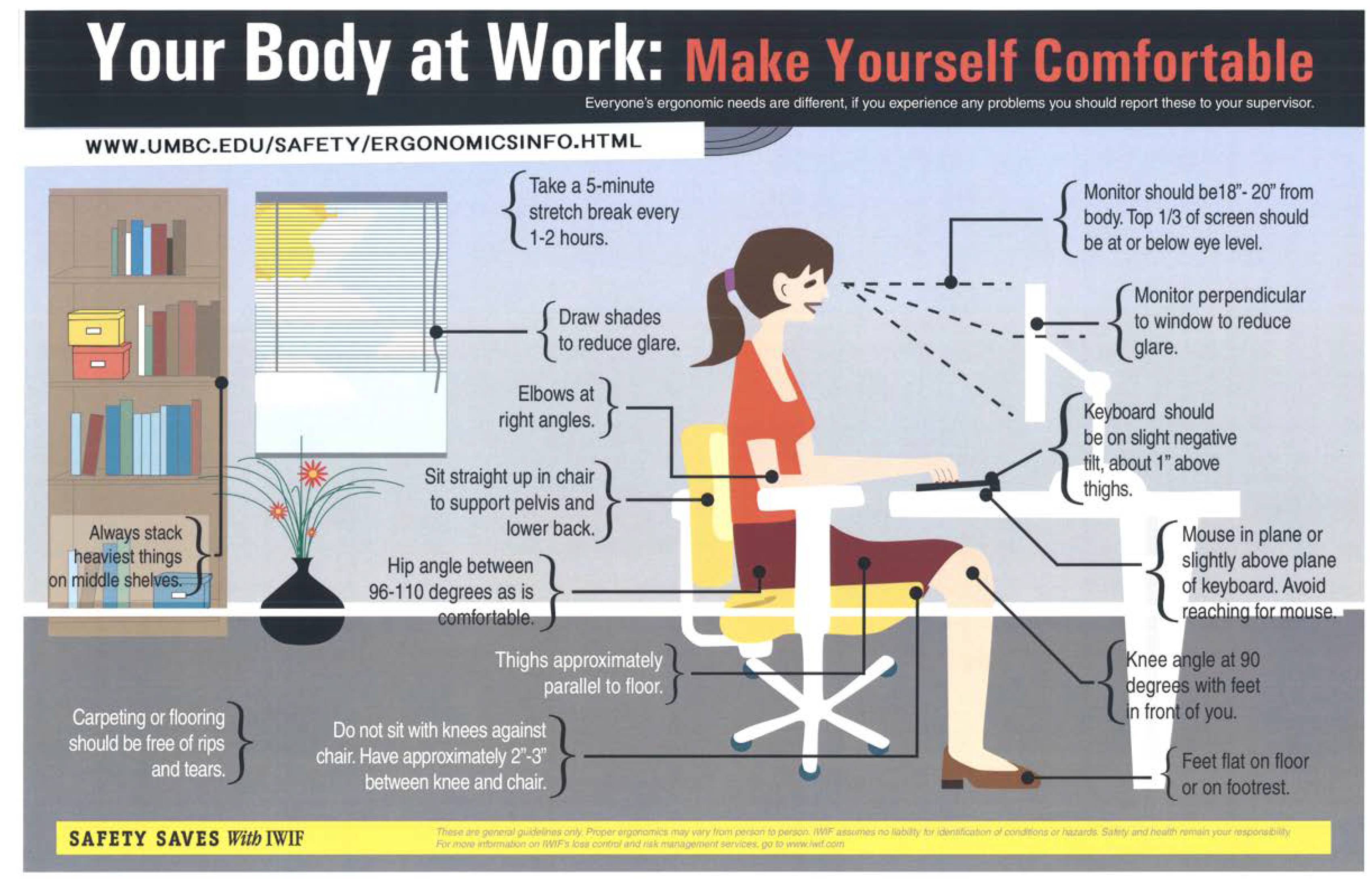
Environmental Health & Safety (EHS) performs ergonomic assessments at workstations to ensure safe and healthy postures while working. The assessment includes educational information about ergonomics, impacts on our spine and muscular systems, proper guidance on working heights, assessment of the physical workstation, and other environmental components.
An assessment may result in recommendations for ergonomic equipment or furniture. EH&S may recommend specific products based on factors such as quality, expected duration of use, workstation configuration, and installation requirements.. When these recommendations are provided there specific products that are recommended due to a number of criteria including; quality of product, duration of use, familiarity of installing for maintenance, size of workstation, and other factors.
EHS can provide options to departments when there are recommendations for new equipment or furniture. Departments are to follow Procurement policies and reference that EHS has evaluated the workstation prior to purchase and install request. Additional information about Procurement, visit their website: Procurement – Purchasing and Payment Methods.
Sit-Stand Desks
Sit-stand desks are available through several purchasing options. For departments looking for a quick turnaround, EH&S can coordinate with our Pacific Paper representative to identify a suitable Friant desk based on the desired dimensions, configuration, and finishes. Friant desks offer a substantial base and worksurface, and their power modules include a five-year warranty.
For online purchases, UPLIFT Desk is an approved vendor and can be purchased through the University's P2P system. View UPLIFT Desk options.
If new ergonomic furniture may affect your office layout, contact Planning & Design before purchasing. They can help ensure furniture configurations meet applicable fire and life-safety requirements.
Who pays for ergonomic equipment?
EH&S provides ergonomic recommendations but does not generally purchase equipment for employees. Recommended equipment and furniture are typically purchased using the employee's departmental funds and must follow University procurement requirements.
EH&S can assist departments in identifying appropriate equipment and, when appropriate, provide product recommendations.
Ergonomic Resources
Use these resources to evaluate and improve your workstation setup.
- Computer Workstation Setup Recommendations: Use this to review or setup up your computer workstation. This document will guide you through all the ergonomic components at your desk or station.
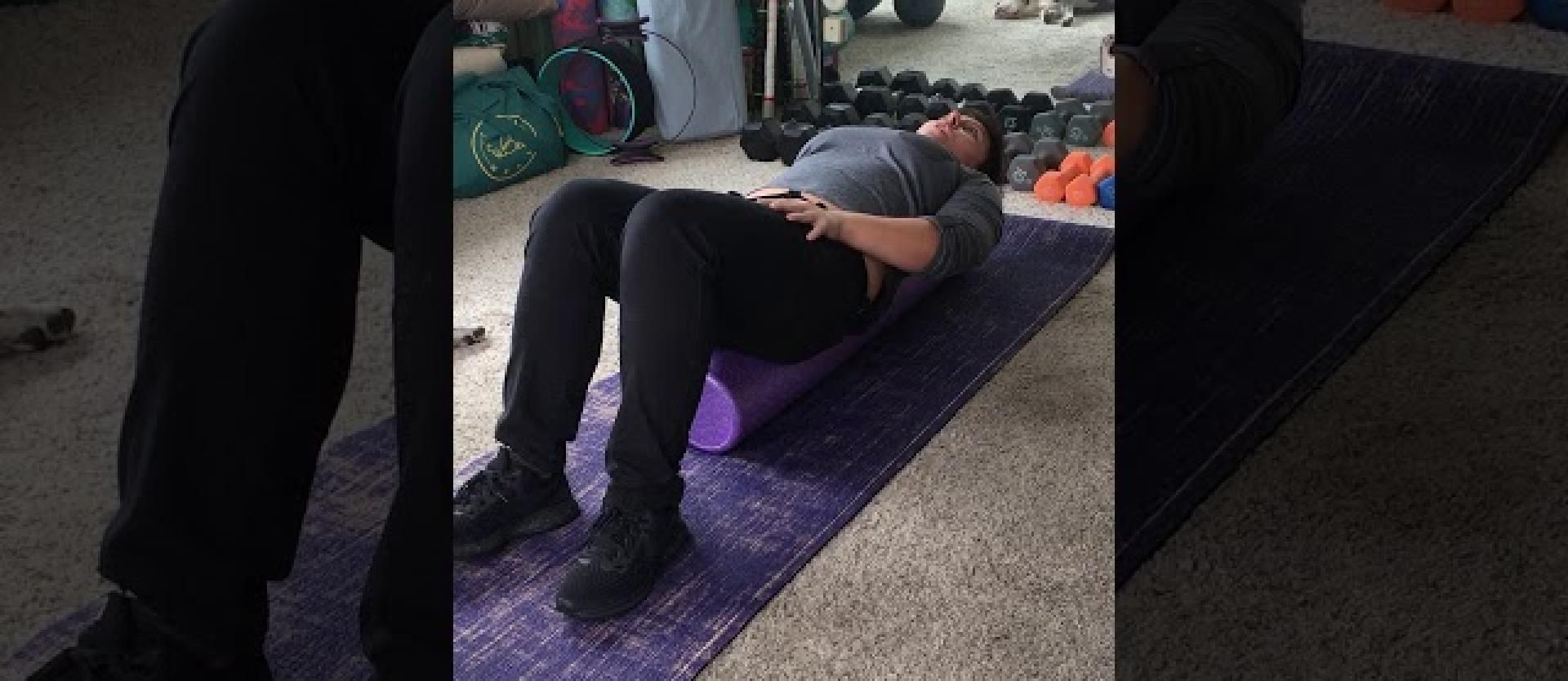
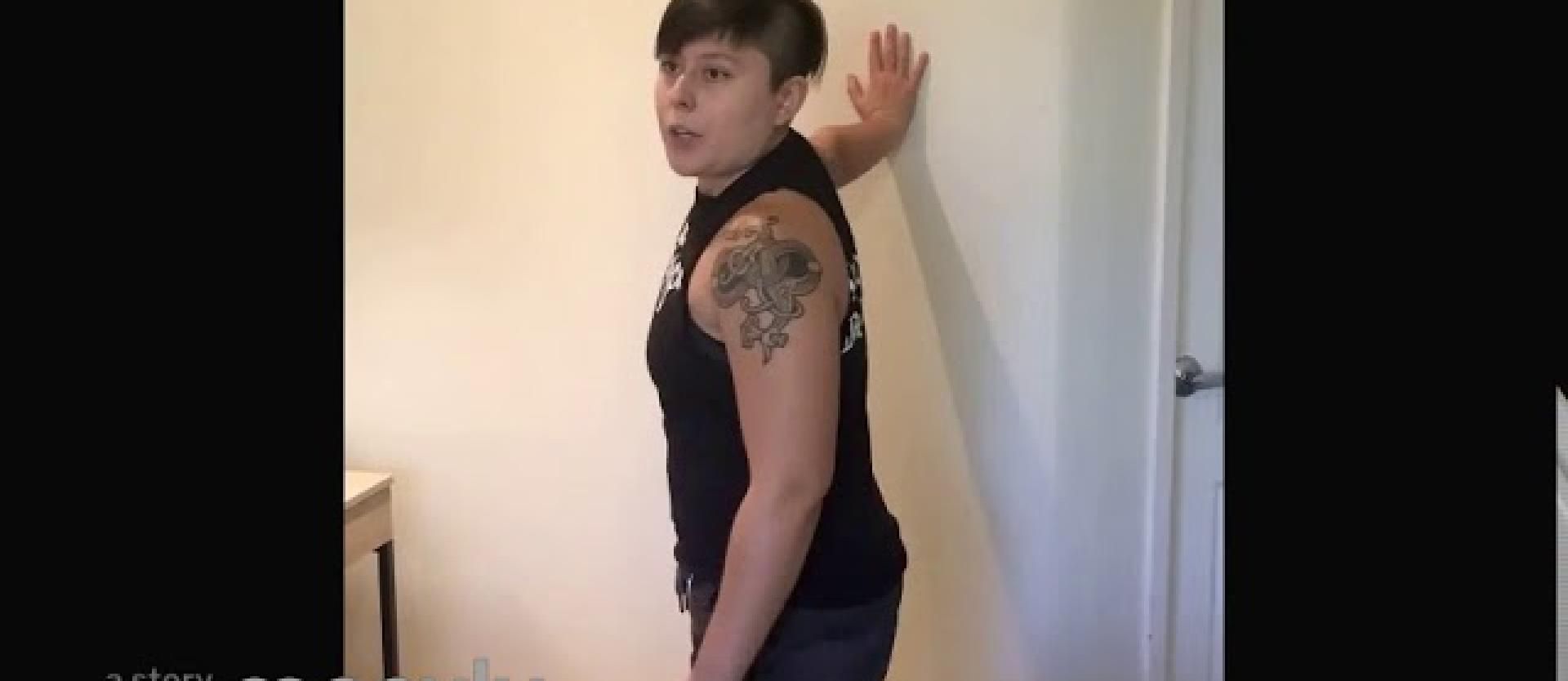
- Simple Desk Stretches: These simple desk stretches can be performed at your office location. Please contact EHS for direction on these stretches prior to performing them. Always follow medical recommendations from your physician or doctor.
- Workstation Self-Assessment Guide: This is a guidance document to be used to review your workstation. If you complete this document and send it to risk-management@humboldt.edu, we will setup an appointment to review your workstation for recommended changes.
Stretching Tips