



Breadcrumb
Publishing Resources
Templates and Information Links
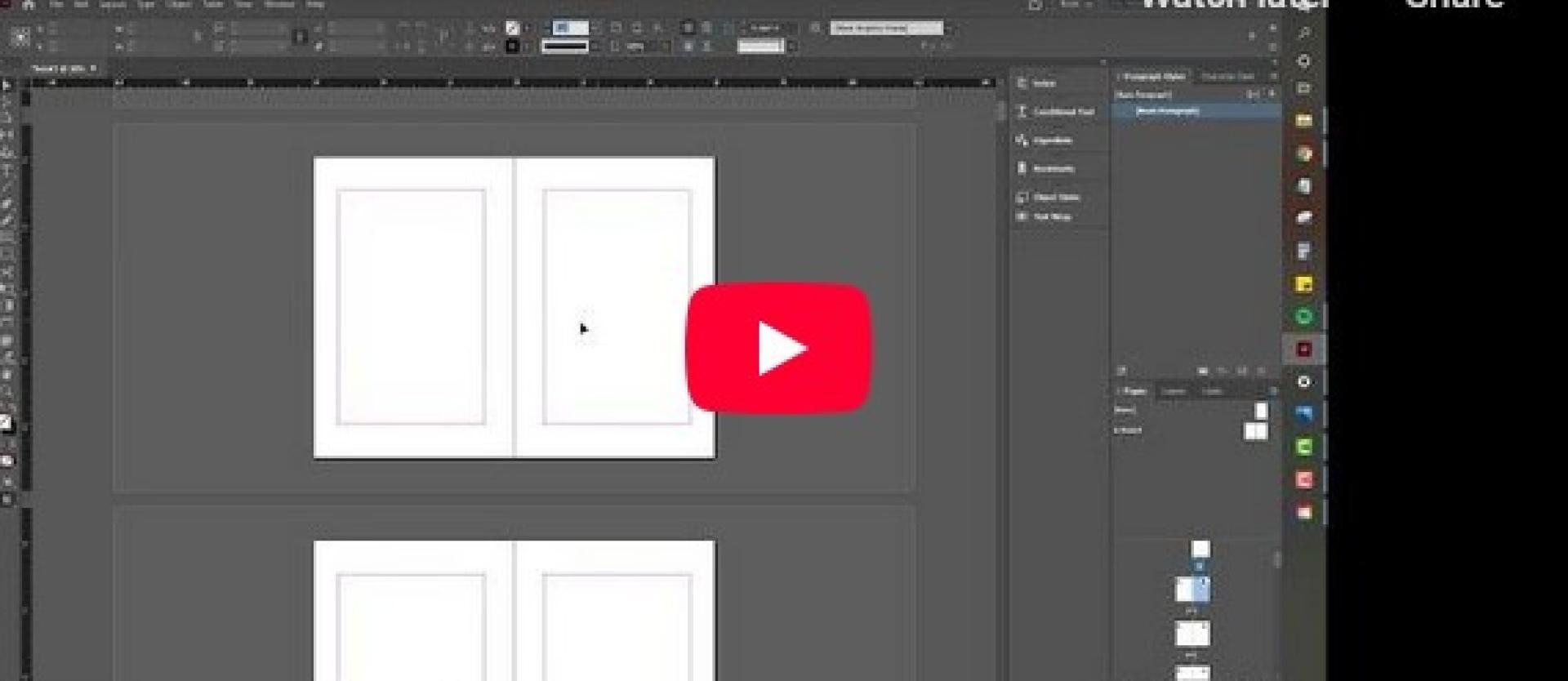
Setting up a Book in InDesign
Software Choices for Book Layout
What is best for you?
- Adobe InDesign is the best and most professional program to lay out your book from scratch. If you are a Cal Poly Humboldt student, a subscription to Adobe Creative Cloud is included in your tuition.
- Scribus: If this expensive program is not available to you, we suggest the open source, free progran Scribus, which can be downloaded here.
Affinity Publisher is a new tool from the makers of Canva - it is a paired down, easy version of InDesign perfect for the beginning typesetter - meand for magazine layout and design heavy projects. It does not have the typesetting bells and whistles that Scribus and InDesign have, but it is capable of making very beautiful layouts. It is free. Download it here.
- Word: There are also options from some on-demand printers to upload a book from Microsoft Word. These create very, very simple books. Bound masters theses are occasionally created in this way.
*All of these create PDFs that are then uploaded to print platforms or independent printers. The specifications required by the printers are very specific, and need to be set up correctly in the programs before starting your layout. Things like book size, trim size, margins, and a separate document for your cover need to be taken into consideration at the beginning of your project.
Printing and Selling Options
KDP - On Demand Printing, eBooks, Amazon placement, free ISBN offered - Free
Ingram Spark - On Demand Printing, eBooks, Templates, Marketing (Barnes&Noble) - $
Lulu - Paid Printing , Photobooks, Cookbooks, eBooks, Calendars, Notebooks $$$
BookBaby - Paid Printing, eBooks, Audiobooks, Editing, Design, & Sales and Marketing $$$
Independent Printers - Paid Printing - No ISBN needed, many paper and cover options; embossing, foil, etc - $$$
Theses Formatting Resources
Theses Page on Digital Commons - More info and instructions on theses, and all theses downloads
Check Off Form - What your thesis needs before submission
Get Your Thesis Bound - Fill out form and have your thesis printed, bound and shipped back to you in paperback or hardback from the University of Minnesota Thesis Printing Department for a fee